
Table of Contents
Login to Control Panel #
Using the details from your welcome email, visit the following website and login:
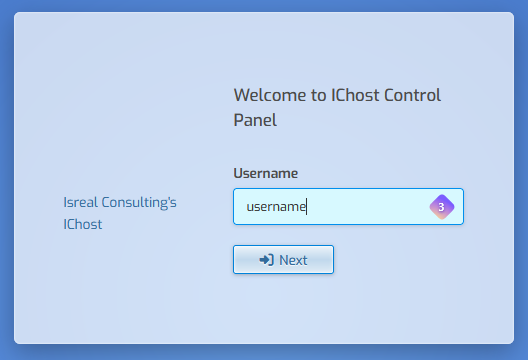
If you forgot your password, enter your username and click next, then click Forgot Password or click here to reset your password.
Next Steps #
The very first thing we recommend is changing your account password.
- Click the user account icon of a head at the top right.

- Enter your preferred password in the Password field or click the green circular arrows to generate a secure random password. (be sure to remember it)
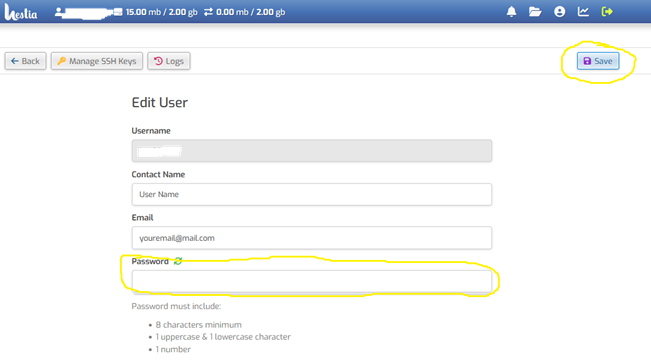
- Click the Save icon at the top right to save the password.


